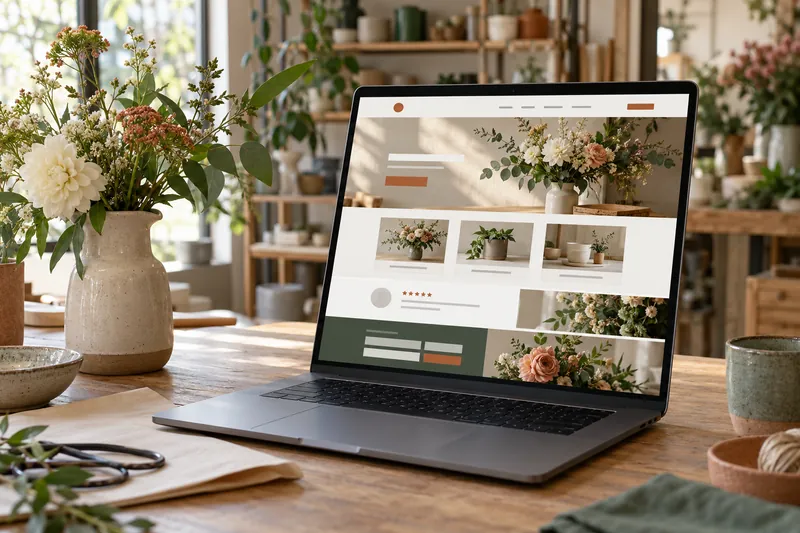
Your homepage should help a new visitor answer three questions: What does this business offer? Is it right for me? What can I do next?
That gives you a useful way to decide what belongs on the page. A homepage does not need every detail about the business. It needs enough clear information to orient visitors, guide them to the right page, and make the next step easy.
There is no required section count or layout that fits every business. I would plan the page around the decisions a customer needs to make, then include only the content that helps with those decisions.
Start with a clear opening section
The first screen should quickly name the main service or product and who it helps. A short supporting sentence can add a location, a useful distinction, or context about how the service works.
For example, a home-repair business might say, “Heating and boiler repairs for homes in Rabat,” followed by a line explaining which repairs it handles. That wording is only an illustration; a business should describe the services and areas it actually covers.
Give visitors one primary action that fits the business. That might be “Request a quote,” “Book an appointment,” or “Shop the collection.” A secondary option such as calling or viewing services can help, but it should not compete with the main action.
Avoid opening with a slogan that sounds appealing but leaves people guessing what you do. A visitor should not have to scroll to understand the offer.
Show the services people come for
Give a short overview of the main services or product categories. Link each one to a page with the details, rather than trying to explain everything on the homepage.
Order these links by what customers most need to find. A business with several different audiences may need a clear route for each one, such as “For homeowners” and “For property managers.” A business with one main service may only need a concise description and a link to the service page.
Use link text that describes the destination. “Explore home cleaning services” tells people more than “Learn more.”
Add the details that help visitors decide
The right details depend on the business. A local service may need its service area, opening hours, and the areas it does not cover. A consultant may need to explain who they work with and what an initial conversation involves. An online shop may need to surface popular categories, delivery information, or returns.
Include the details that prevent a likely misunderstanding or help someone choose the right next page. Put longer explanations on the relevant service, policy, or FAQ page and link to them from the homepage.
Give people a reason to trust what they see
Use proof a visitor can evaluate: a real project example, genuine customer feedback, relevant qualifications, clear photos of the work, or an explanation of your process. Ask permission before publishing someone’s words or image.
Keep claims specific and supportable. If you show a result, explain what was measured and avoid implying that every customer will get the same outcome. If you are new and do not yet have reviews, explain how you work or show an accurate example of what customers receive.
Explain what happens after the main action
People are more likely to use a form or booking link when they understand what it does. Say whether a form sends an inquiry or confirms an appointment. If someone needs to review a request before confirming it, make that step clear.
The same principle applies to phone calls, visits, and purchases. Tell visitors what they need to have ready or what happens after they place an order when that information will prevent confusion. My guide to choosing between online booking and a contact form goes deeper into that decision.
Use questions only when they help
A short FAQ can address questions that stop someone from contacting or buying. Choose questions customers actually ask, such as whether you serve a particular area, what to prepare for a first appointment, or how returns work.
Do not add an FAQ just to make the page longer. If an answer needs detail, link to a page where the visitor can read it without crowding the homepage.
Make the page easy to use on a phone
Check the page on a phone as well as a computer. The headline should remain readable, the main action should be easy to tap, and important information should not depend on hovering over an image. Make phone numbers tappable and show contact details as text, not only inside an image.
Use clear section headings so people can scan the page and understand how it is organized. W3C’s accessibility guidance explains that descriptive headings help people find information and understand relationships between sections [1].
Keep the search basics clear
Write a page title and main heading that describe the business accurately. If location matters, include the area naturally in the page copy and contact details. Use descriptive links to the relevant service pages.
These choices help people understand what the page offers. Google’s guidance describes SEO as helping search engines understand content and helping people decide whether to visit; it also recommends useful, people-first content [2] [3]. They do not guarantee a particular ranking.
A simple homepage planning check
- Can a new visitor tell what I offer and who it is for?
- Can they find the service, product, or location that applies to them?
- Is there real information that helps them judge whether to trust the business?
- Do they know what happens after they call, submit a form, book, or buy?
- Can they take the main action comfortably on a phone?
If a section does not help answer one of these questions or support a real customer task, it may belong on another page or may not be needed.
For a broader list of pages and launch essentials, see my small business website checklist. If you are planning a new site or a redesign, you can tell me about your project.
Sources
- W3C, Understanding Headings and Labels
- Google Search Central, SEO Starter Guide
- Google Search Central, Creating Helpful, Reliable, People-First Content
Read this article in Arabic: ماذا ينبغي أن تتضمن الصفحة الرئيسية لنشاط تجاري صغير؟